
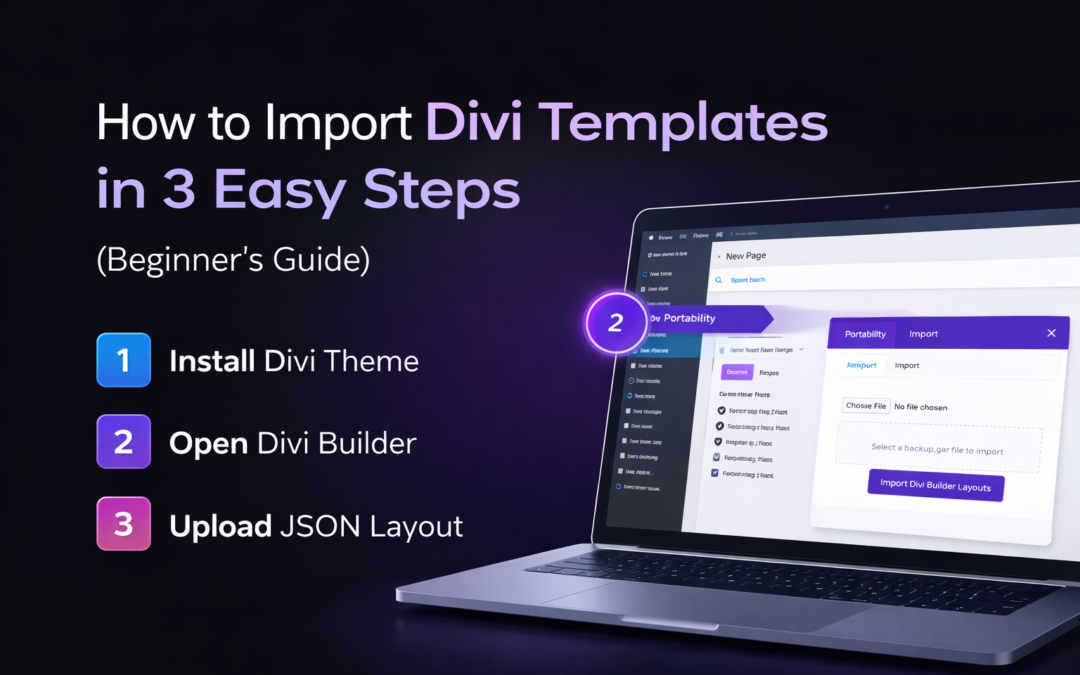
How to Import Divi Templates in 3 Easy Steps (Beginner’s Guide)
Building a professional website doesn't have to take weeks. With Divi, you can transform a blank page into a stunning website in just a few minutes. Whether you have purchased a premium layout from Divi Templates Pro or downloaded a freebie, the process of importing it is simple.
In this guide, we’ll walk you through the most up-to-date and easiest way to import Divi templates in 2026.
Prerequisites: What You Need Before Importing
Make sure you have:
Divi Theme is installed and activated on your WordPress site.
The JSON file (This is the format Divi uses for its templates). If you downloaded a .ZIP file, make sure to unzip it first to find the JSON file inside
Step 1: Open the Divi Builder on Your Page
First, you can just navigate to your WordPress Dashboard and create a new page or open an existing one.
Click on Pages > Add New.
Give your page a title (e.g., "Home").
Click the big purple button that says "Use Divi Builder".
You will see three options. Select "Build From Scratch". This will open a blank canvas where we will "drop" our new template.
Step 2: Use the Portability Tool (The Magic Button)
Once the builder is open, look at the bottom of the screen. You will see a purple circle with three dots.
Click the three dots to expand the menu.
Look for the Portability Icon (it looks like two arrows, one pointing up and one pointing down).
A pop-up window will appear. Click on the "Import" tab at the top.
Now, simply drag and drop your .JSON template file into the box, or click "Choose File" to select it from your computer.
Step 3: Finalize the Import
This is the last step to bring your design to life.
Before clicking import, you will see an option: "Replace existing content".
Tip: If you are working on a new page, keep this checked. If you want to add the template below your current design, uncheck it.
Click the button: "Import Divi Builder Layout".
Wait for the loading bar to reach 100%. Do not refresh the page!
Bonus Tip: Using the Divi Cloud (Latest Update)
If you use multiple websites, Divi now offers Divi Cloud. Instead of downloading JSON files, you can save your imported layouts directly to the cloud. This allows you to access your favorite designs on any website you are building without ever leaving the WordPress dashboard.